Wake. Trace. Speak.
Trace every stroke, say it out loud, and get scored on your device — Chinese one character a day, Japanese kana a row at a time and then kanji one a day. A family of daily-drill apps from the makers of Tova Translate.


Two courses are live, each tuned to its own writing system and level framework — same trace-and-speak loop, different curriculum.
One hanzi a day, taught in the word it is used in, with Hanyu Pinyin and tone, stroke-order tracing and on-device pronunciation scoring. HSK 1 is free: 179 characters in 13 lessons. Pro adds HSK 2 to 6, another 2,484.
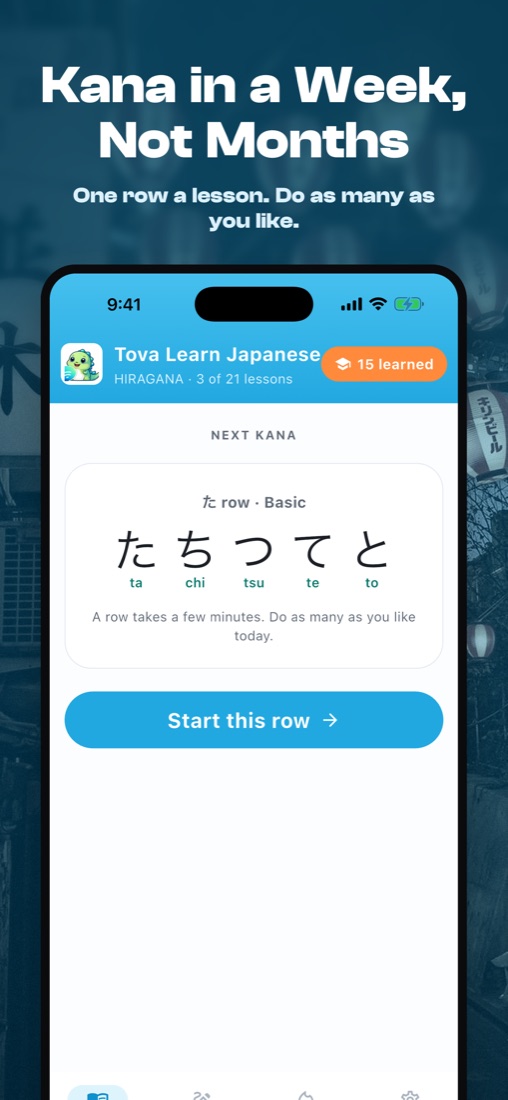
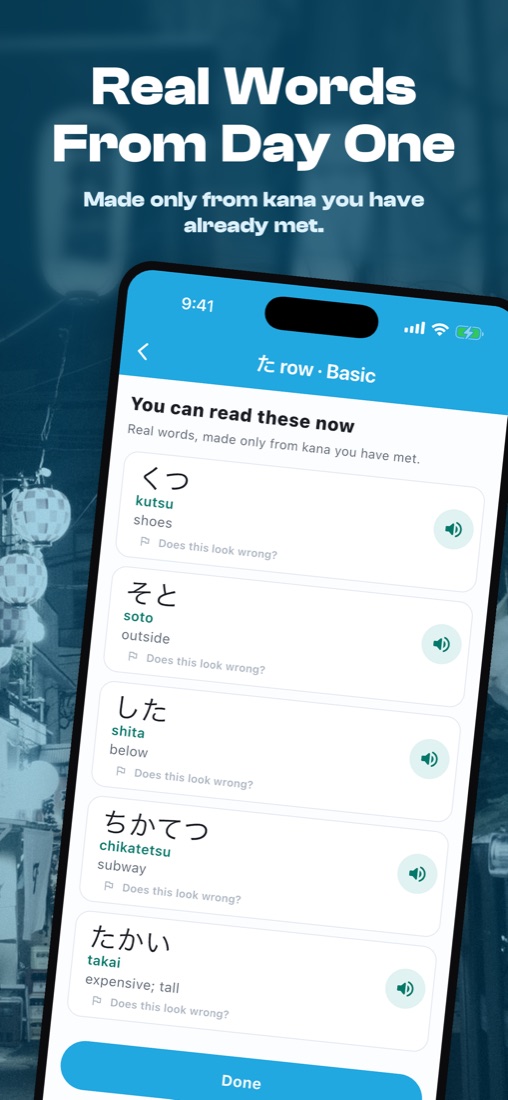
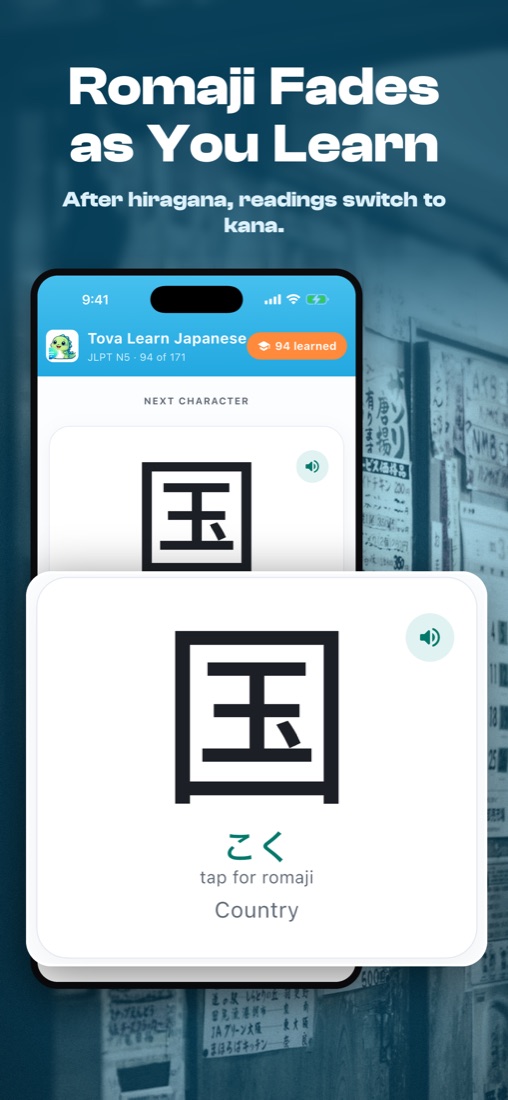
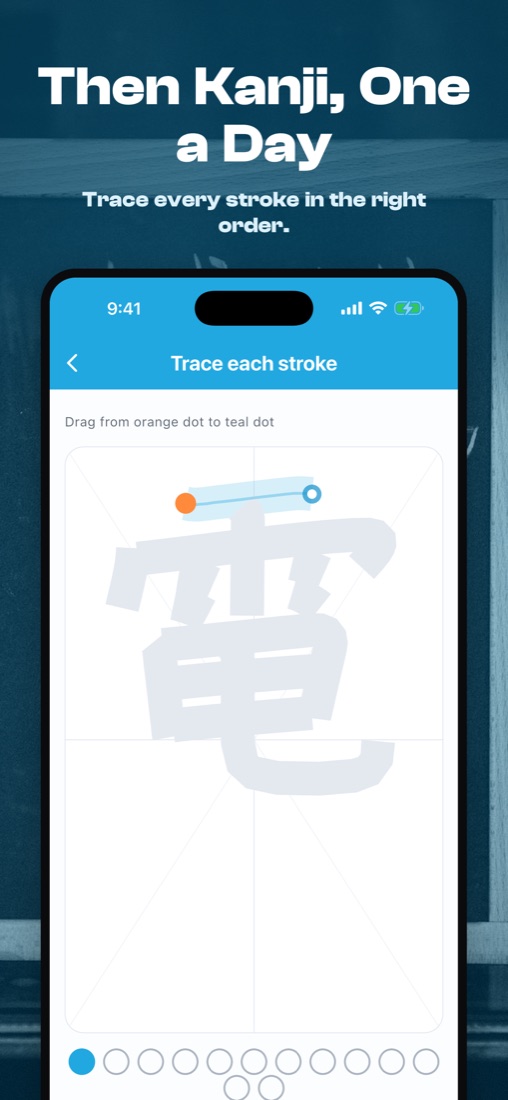
Hiragana and katakana a row at a time (か き く け こ), as many lessons a day as you like, with real words to read from the first lesson — about a week for both scripts. A short placement test lets you skip what you know, and romaji fades to kana once hiragana is done. Then JLPT N5 kanji one a day, each in a common word (毎日, 先生, 電車), traced and spoken. Pro adds JLPT N4 and N3, 400+ more kanji.
Hangul jamo and TOPIK vocabulary with romaja readings — the same trace-and-speak engine.
A daily drill, not a lecture. Three short touch points keep the loop tight enough to maintain a streak but light enough that you'll actually do it.
A daily reminder (8am unless you pick another time) brings you the day's character and the word it lives in. Trace every stroke in the right order. About 90 seconds.
Say the word three times. On-device Whisper hears you and scores the syllables, and tells you when the sounds were right but the tone was not.
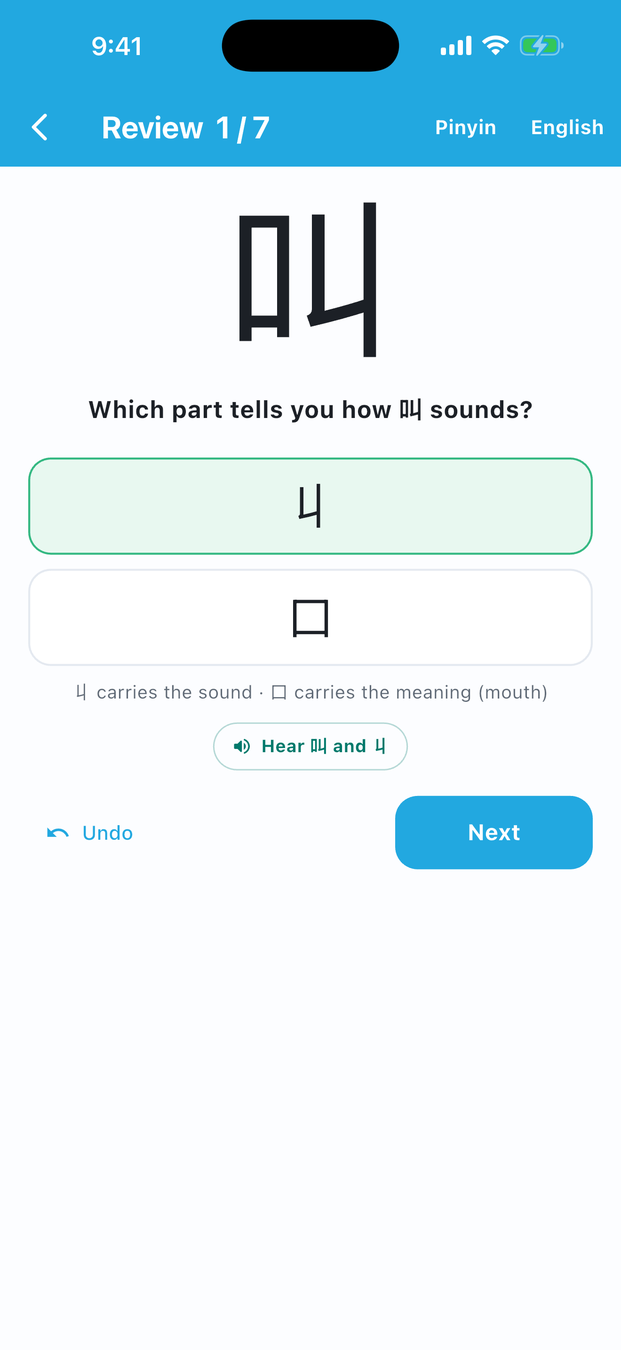
Spaced reviews bring characters back and ask how they are built: which part gives the meaning, which gives the sound.
Add the Tova Learn Chinese widget and the day's character is waiting before you open the app.
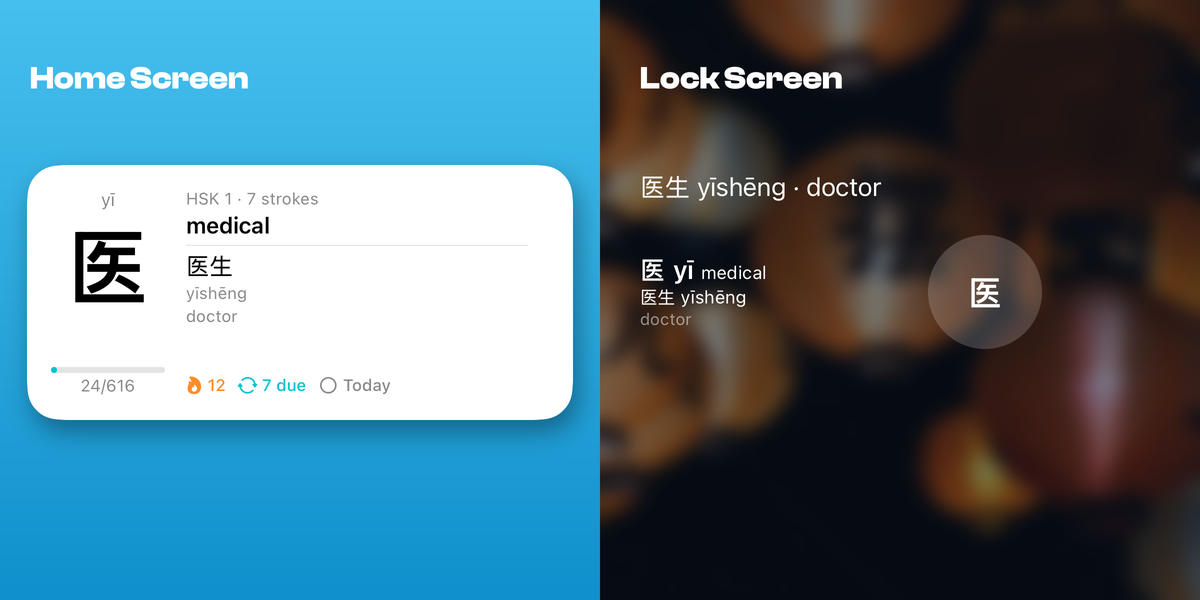
Real screens from the app. Stroke validation uses Make Me a Hanzi median paths. Speech recognition runs on-device via Whisper Base — no audio leaves your phone.
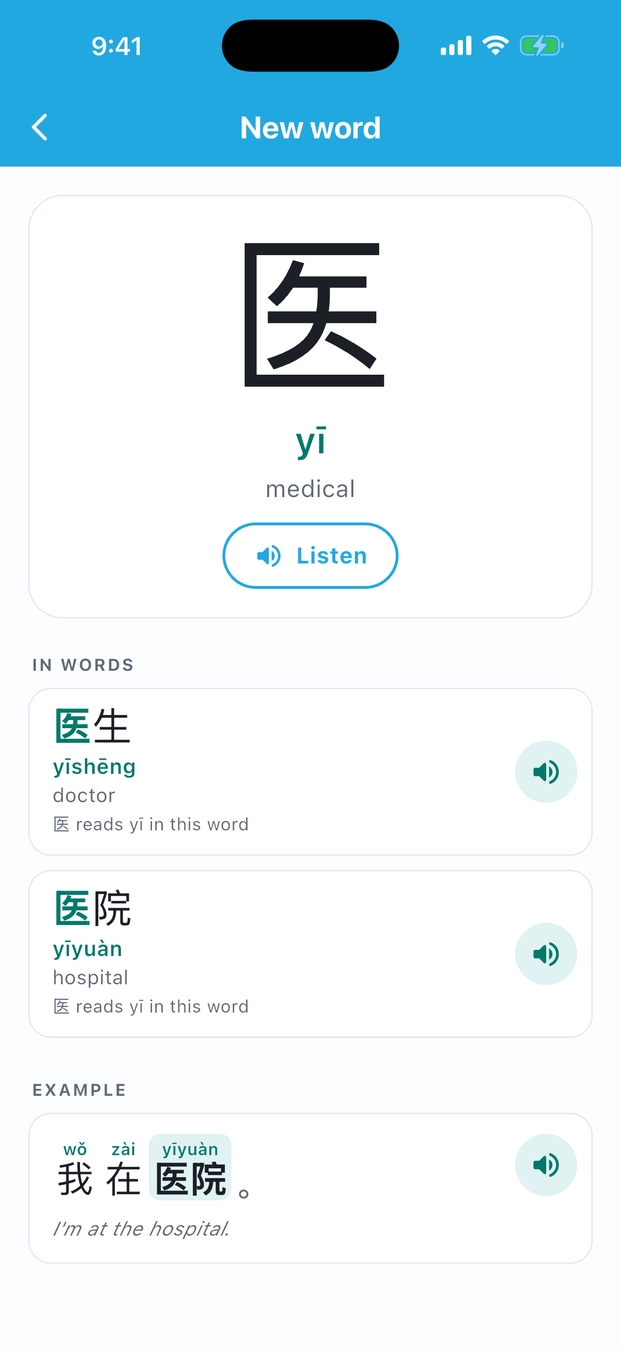
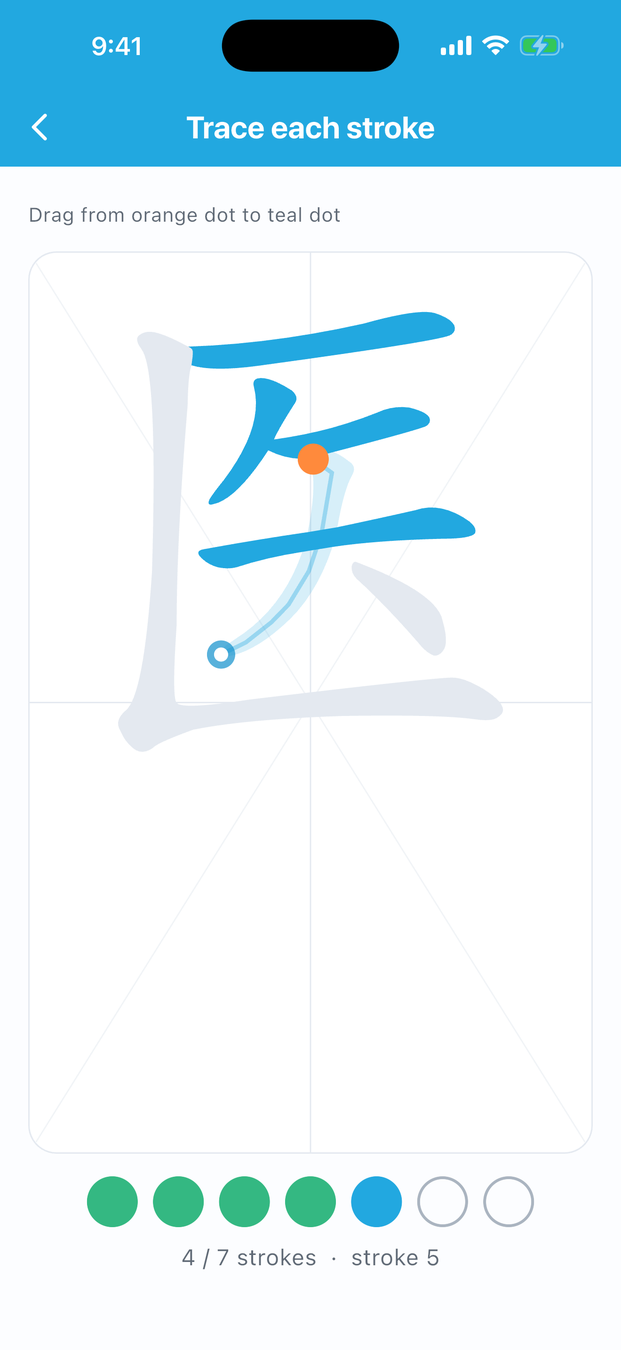
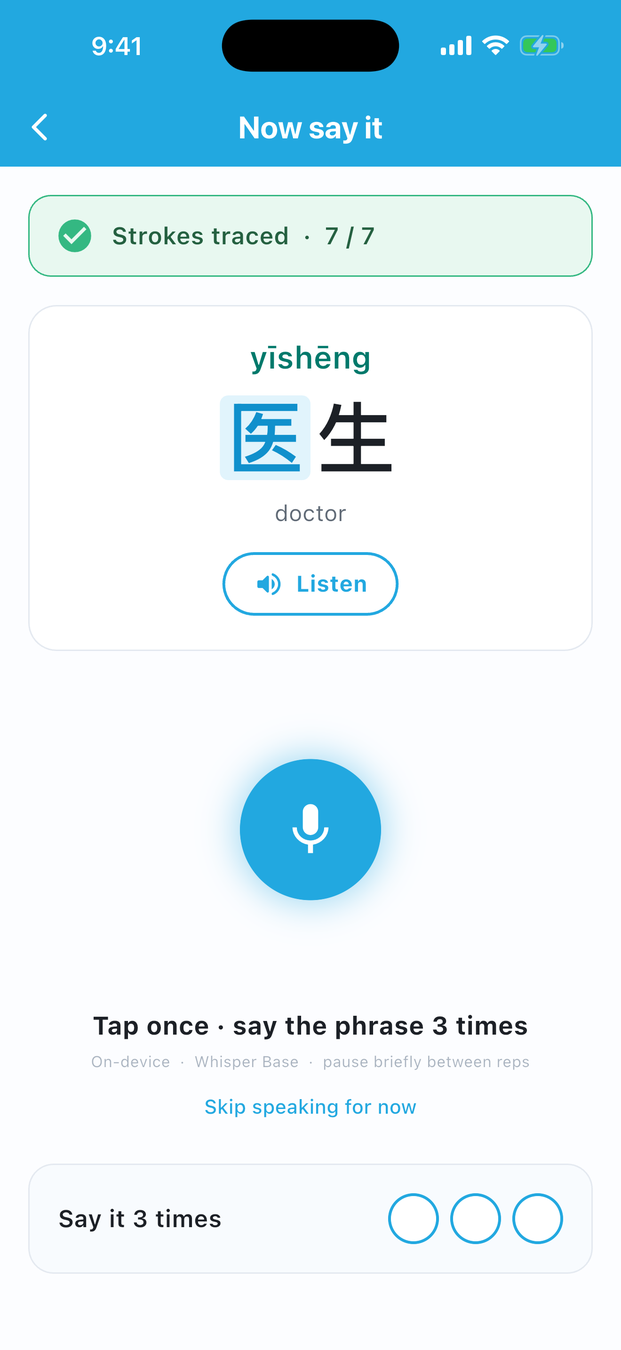
Real screens from the Japanese app: kana rows with words you can read straight away, romaji that steps aside once hiragana is done, then kanji traced one a day.
The phrases you bookmark in Tova Translate are the ones you actually want to remember. The matching Tova Learn app reads them automatically.
 →
Free download. In Chinese, all of HSK 1 and one drill a day are free; Pro adds HSK 2 to 6 and unlimited drills. In Japanese, all hiragana and katakana (as many rows a day as you like) and the JLPT N5 kanji are free; Pro adds JLPT N4 and N3, more than one new kanji a day, and no ads.
Honest answers about what ships at v0.1 and what's still coming.
It's a daily reminder, not an alarm. Pick a time in Settings and your Tova Learn app sends a local notification; tap it to open that day's character. Apple doesn't let apps replace the built-in alarm clock, so this is a gentle scheduled nudge — not a loud alarm sound.
OpenAI Whisper Base runs on your phone, so your microphone audio never leaves it. What it hears is compared syllable by syllable with the word's pinyin to produce a score, and a right sound with the wrong tone is flagged separately.
Tova Learn Chinese opens with HSK 1: 179 characters in 13 lessons, free. HSK 2 to HSK 6 add 2,484 more with Pro. Tova Learn Japanese teaches hiragana and katakana a row at a time — about a week for both — with a placement test to skip what you know, then JLPT N5 kanji one a day, free. JLPT N4 and N3 add 400+ more with Pro. Phrases you send from Tova Translate join your queue too.
Tova Learn Japanese is live on the App Store now (kana a row at a time, then JLPT kanji), alongside Tova Learn Chinese. Tova Learn Korean (Hangul, TOPIK) is planned. Each is a separate app under the Tova Learn family, sharing the same trace-and-speak engine and on-device Whisper pronunciation scoring.
Yes. The Tova Learn Chinese widget shows the day's character with its pinyin, meaning and the word it is used in. The medium Home Screen size adds the HSK level, stroke count, your streak, reviews due and whether today is done. On the Lock Screen it shows the word above the clock, in a rectangle below it, or the character in a circle. Long-press the Home Screen, tap Edit, then Add Widget, and search for Tova Learn.
Same team, same brand family. Your saved Favourites in Tova Translate become a study queue in the matching Tova Learn app automatically when both are installed. The "Learn this" button on a Chinese, Japanese or Korean result card deep-links straight into a drill.
