
Read it in three steps
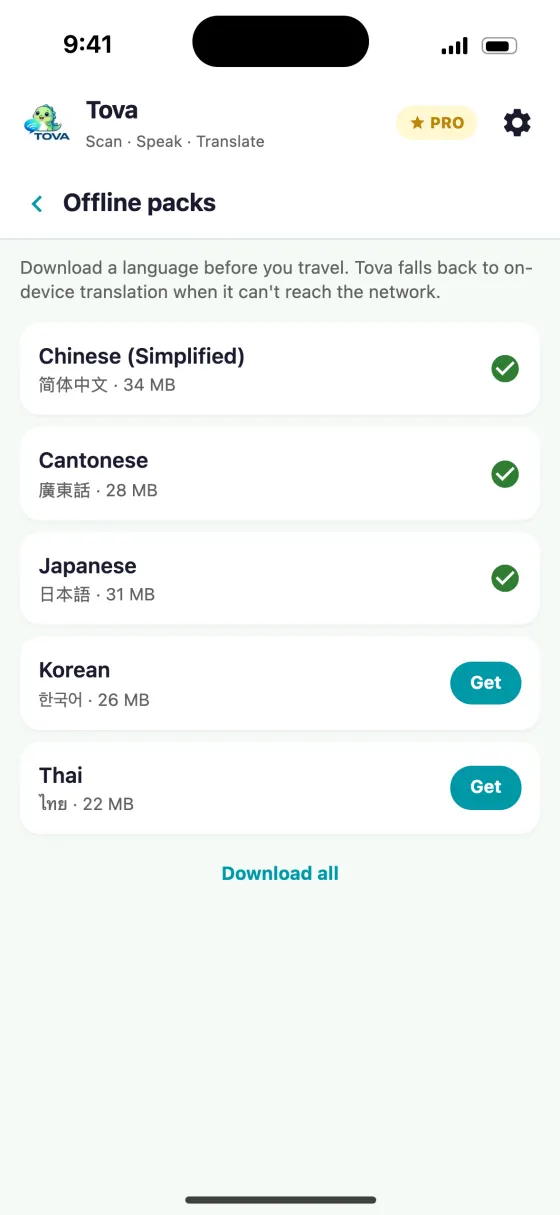
- Download Tova before you fly so the on-device translation models are ready.
- Scan menus and signs with the camera, or use the voice tab to talk with locals — both keep working when there's no connection.
- No account, no sign-up, no VPN — open the app and translate.
"Offline" means three different things
Apps use the word loosely, and the differences decide whether you get a sentence or a shrug.
On-device neural translation runs a real translation model on your phone. It handles sentences it has never seen, including yours. It is the only kind that behaves like the online version, and it is the largest download.
Phrase packs are a fixed list of travel sentences with fixed translations. Excellent for "where is the bathroom", useless for the sentence you actually need.
Offline dictionaries look up single words or characters. Indispensable for reading a menu, no help with a paragraph.
A good offline setup has all three, because they fail in different places.
What to download before you fly
Downloads are one part of getting ready; our China travel checklist covers the rest, from entry rules to payments.
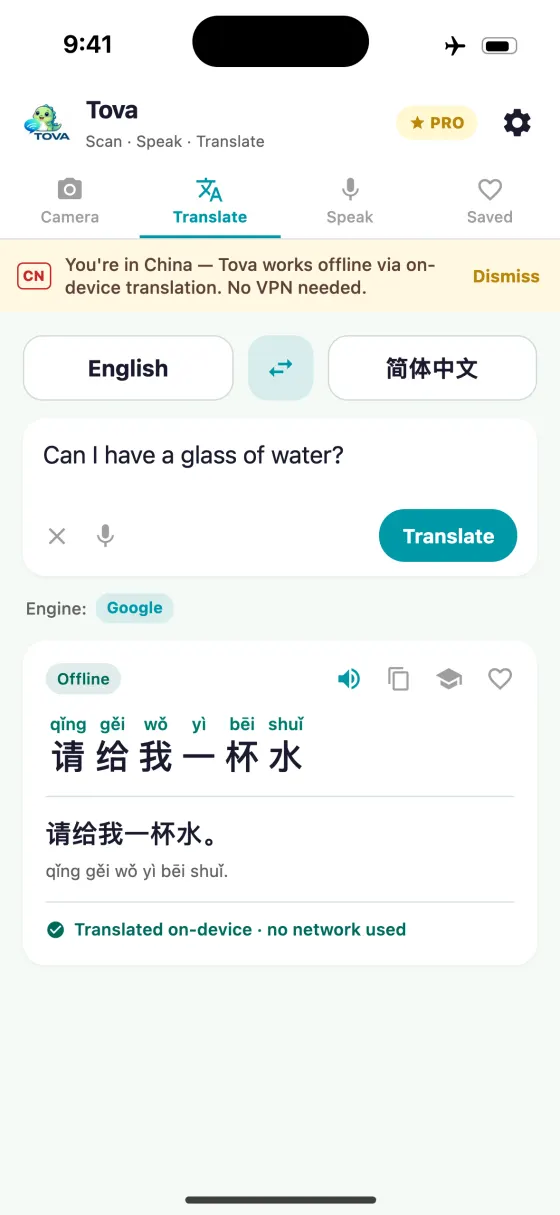
Download on home Wi-Fi, then test in aeroplane mode before you leave the house. This is the single step people skip and the single step that catches every problem — an app that needs the network to "prepare" a language will do nothing useful at 10,000 metres or in a Chengdu basement.
| Kind | Typical size | Good for | Useless for |
|---|---|---|---|
| On-device neural model | tens of MB per language pair | Whole sentences, signs, unfamiliar text | Nuance, long documents, rare names |
| Phrase pack | a few MB | Fixed travel situations, saying something out loud | Anything not on the list |
| Offline dictionary | 10–20 MB | Single characters and words, menus | Grammar, sentences |
| Downloaded maps | hundreds of MB | Getting anywhere at all | Translation |
Where you will actually be offline
It is rarely the dramatic case. The common ones:
- The flight. Long-haul is where you would read the guidebook and the phrasebook.
- The subway. Signal drops between stations in most Chinese cities, which is exactly when you are reading platform signs.
- The first hour after landing. Before the SIM activates or the eSIM provisions, with the immigration form in front of you.
- Rural and mountain travel. Coverage is better than people expect and still not continuous.
- When roaming is off because it is expensive. The most common reason of all: the network exists, you just are not paying for it.
Offline in China is a different problem from offline anywhere else
In most countries, offline is about coverage. In mainland China it is also about filtering: an app can have four bars of 5G and still fail, because the service it wants is on the other side of the national firewall.
That is why an app that translates on the device matters more here than anywhere else. It is not just insurance against a dead zone — it is the normal operating mode for anything built on Google's infrastructure. Why translation apps stop working in China covers the filtering side in detail, and our tested comparison shows which apps survive it.
Practically, this means testing in aeroplane mode is not a pessimistic edge case. It is a rehearsal for a Tuesday.
Storage, and what to delete instead
A full offline setup is a few hundred megabytes, which is a real amount on a 64 GB phone that is mostly photos. It is also less than one downloaded film.
If you are short: offload the film, not the language pack. The film is a two-hour inconvenience; the language pack is the difference between reading the platform sign and missing the stop.
About this guide
What's the best offline translator app for China?
Tova Translate is built for it: camera, voice and text translation fall back to on-device when there's no connection, so it keeps working across mainland China with no signal and no VPN. It's free to download.
Does it really work with no internet?
Yes — the camera recognition and the on-device neural translation run on your phone. Download Tova before you travel so the models are in place, then it works offline.
Which languages work offline?
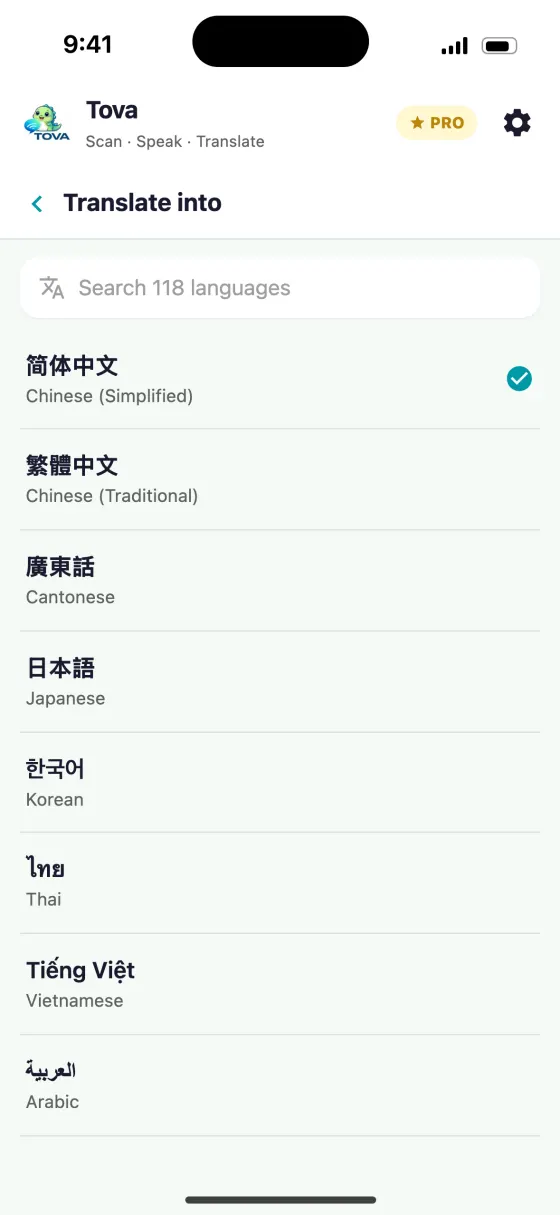
Tova covers 118 languages for voice and text and 11 camera scripts; the on-device fallback handles common travel pairs (including English and Chinese) when servers are unreachable.
Try it on the next menu or sign
Free on the App Store and Google Play. Works offline in China, no VPN.
Download on theApp StoreGet it onGoogle Play